
Poclink Group 913452
Join Ask The World
Scan the QR code or enter the group code on a compatible Poclink radio. Other radio platforms cannot directly join this Poclink group.
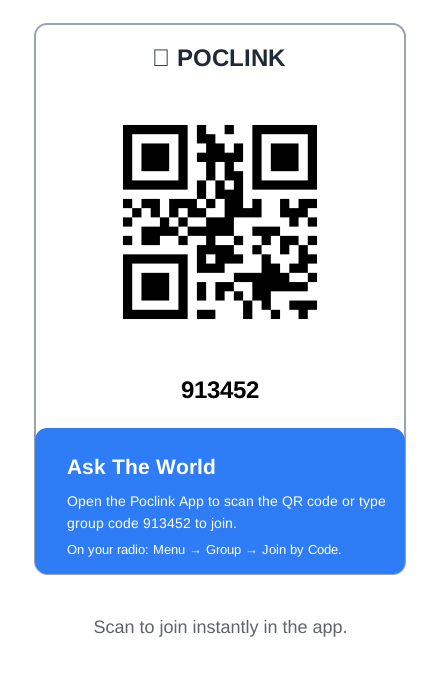
Join by QR code
- Open the Poclink application associated with your radio.
- Select the option to scan or join a group.
- Scan the Ask The World QR code.
- Confirm that the group name is Ask The World.
- Complete the join process.
Join by group code
- Open the radio menu.
- Select Group.
- Select Join by Code.
- Enter 913452.
- Confirm the group name before joining.
Menu wording may vary by radio model or application version.
First transmission
Listen briefly, then introduce yourself
Spend a few minutes listening so you understand the current conversation. When there is a natural break, press the push-to-talk button and give a short introduction.
“Hello, this is [name] from [general region]. I’m new to Ask The World and wanted to say hello.”
What you need
- A compatible Poclink radio
- Active Poclink network access
- Group code 913452 or the QR code
- A willingness to follow the community guidelines
No amateur radio call sign is required for participation in the Poclink group. Licensed amateur operators may use their call signs socially if they choose.
Who can participate?
Ask The World welcomes Poclink users who enjoy friendly conversation, licensed amateur radio operators, people interested in learning about amateur radio, communications enthusiasts, and new radio users.
Analog radios, DMR radios, GMRS radios, FRS radios, MURS radios, CB radios, and other PoC platforms cannot directly access Group 913452 unless Poclink officially supports that device or service. Ask The World does not operate a cross-platform gateway.